
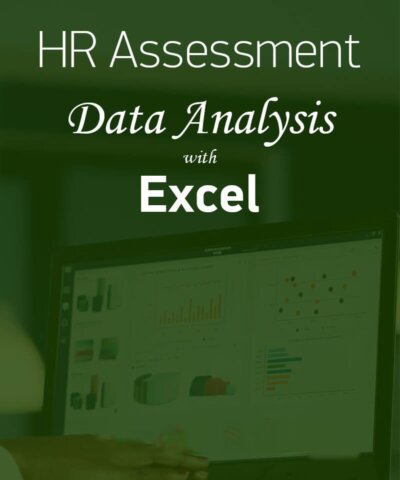
Assessment: Excel Expert
Analyzing data and making decisions based on data is gaining ground in the industrial world, making professionals who know how to process data and extract information using Excel a perfect addition for any company in today’s job market.
By successful completion of this assessment, the candidates demonstrate that they are competent to create, manage and distribute professional spreadsheets.
In practice the successful candidates should be able to use the advanced features and capabilities of Excel in data handling.
To pass this assessment candidates need to have the skills required to perform both statistical and mathematical analyses of data, as well as validate and present their results.
The assessment syllabus also covers multi-axis charts, custom data formats and advanced formulas.
- Custom Data Formats and Layouts
(Formatting and conditional formatting, cell styles) - Advanced Formulas
(SUM, AVERAGE, MIN, MAX, COUNT, AND, IF, OR, VALUE, IFERROR, OFFSET, WORKDAY.INTL, DAYS, DATEDIF, NETWORKDAYS) - Statistical Analysis and Business Modelling
(Settings, scenarios, VLOOKUP, AVERAGEIFS, SLN, INDEX, MATCH, DAY MONTH, DATE) - Advanced Charts and Tables
(Pivot tables and charts, advanced filters, import data, advanced charts)
TEST4U Desktop version
The assessment syllabus covers formulas and functionality common in the following versions of Microsoft Office: Microsoft Office 2016, Microsoft Office 2019, Microsoft Office 2021, Microsoft Office 2024, Microsoft 365.
TEST4U Cloud version
This assessment can also be taken online, in the browser, with nothing to install. The TEST4U Cloud version tests the same skills. Online assessments are available in English and Greek.